Product design · AI
Why you still need a product designer in the age of AI
AI can generate a screen in seconds. Deciding which screens should exist, and why, is still the job.
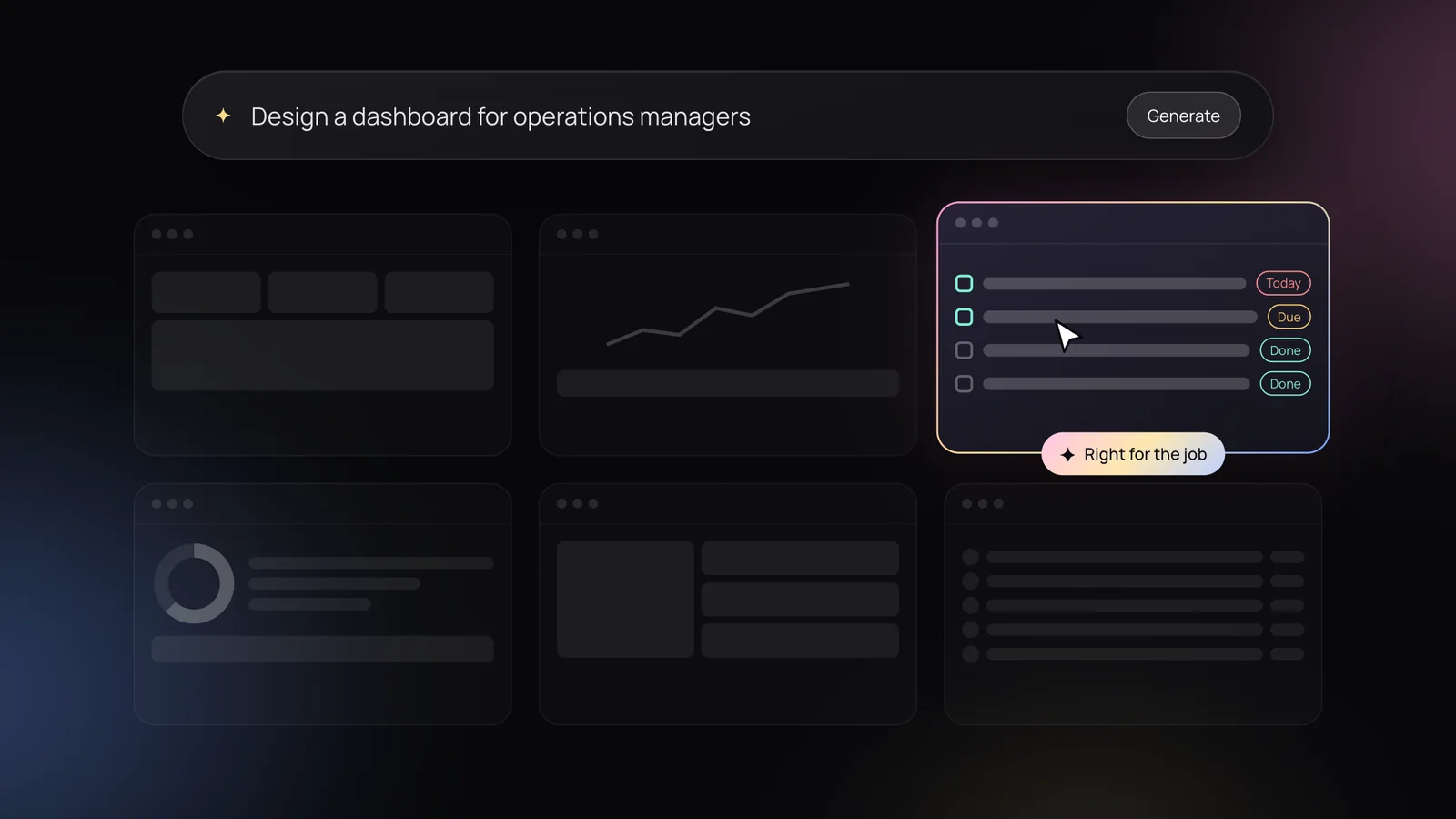
Ask an AI tool for a dashboard and you’ll have one before your coffee cools. It will have cards, charts, a sidebar and a sensible colour palette. It will also, almost certainly, be the wrong dashboard.
That isn’t a knock on the tools. We use them every day at Studio Ariel, from early concepts to AI-assisted development in real codebases. They’ve changed how fast we can move. What they haven’t changed is where the hard part of product design lives.
What AI is genuinely good at
It’s worth being specific, because the honest answer is “a lot”:
- Speed to a first draft. Layouts, flows and copy that would have taken a day to rough out now take minutes.
- Variations. Ten directions for an onboarding screen, so you can react instead of starting from a blank page.
- Working prototypes. Interactive builds you can put in front of people, not static pictures of software.
- The tedious parts. Edge-case copy, empty states, test data and the first pass of a component.
Used well, that’s a huge amount of saved time. The catch is in the words “used well”.
Generating isn’t designing
A generated screen answers the question you asked. Product design is mostly about asking the right question in the first place.
Should this be a dashboard at all, or a daily task list? Does the operations manager need every metric, or the three that tell them something is about to go wrong? Is the real problem the interface, or a workflow that makes people re-enter the same data in two systems?
Those are decisions, and they depend on things a model can’t see from a prompt: who the users are, what they’re measured on, what they’re afraid of getting wrong and what the business needs to be true in twelve months.
AI makes the output cheap. It doesn’t make the decisions cheap, and the decisions are what you’re paying for.
The context AI can’t see
Most of the products we work on live in complicated places: healthcare risk management, workplace injury claims, enterprise analytics, regulated finance. In those environments, the most valuable design work happens before anything is drawn:
- Talking to the people who will use the product, and noticing what they do rather than what they say.
- Understanding the constraints: legacy systems, compliance rules, data that’s messier than the spec suggests.
- Getting stakeholders with different priorities to agree on what “done” looks like.
- Knowing which shortcuts are safe and which ones will cost you six months later.
None of that is in the training data for your product. A designer gathers it, weighs it and turns it into a direction the team can build with confidence.
Taste, coherence and the hundred small decisions
AI tends to produce the most plausible average of what it has seen. That’s useful for a starting point and a problem for a product that needs to feel like itself.
A good product is the sum of hundreds of small, consistent decisions: how errors are worded, when to confirm and when to undo, how the same pattern behaves on the fifth screen as on the first. Holding all of that together, usually in a design system, is what makes software feel trustworthy. It’s also exactly the kind of judgement that drifts when every screen is generated on its own.
Someone has to own the trade-offs
Every product decision gives something up. Fewer steps can mean less control. More flexibility can mean more confusion. A faster launch can mean a weaker first impression.
A product designer’s job is to make those trade-offs on purpose, explain them clearly and stand behind them when the data comes back. An AI tool will happily give you both sides of the argument. It won’t be in the room when you need to choose.
AI makes good designers faster, not optional
The role is shifting, and that’s a good thing. Less time pushing pixels, more time on the work that matters:
- Testing sooner. Realistic prototypes in days, so ideas meet real users before they meet a roadmap.
- Exploring wider. More directions considered, with the weak ones discarded faster.
- Building closer to the real thing. Designers working directly in code alongside developers, so less is lost in handover.
The teams getting the most from AI aren’t the ones replacing design. They’re the ones where an experienced designer is steering the tools.
When you might not need one
To be fair, not every project needs dedicated design. If you’re building a simple internal tool on top of an existing, well-documented design system, with a team who understands the users well, AI and good components may get you most of the way.
But if the product is how you make money, if the workflow is complex, or if a confusing screen means a compliance risk or a lost customer, the cost of getting it wrong is far higher than the cost of design.
Getting the most from design and AI together
- Start with the problem, not the screens. Spend the first days on users, goals and constraints.
- Use AI to explore, not to decide. Generate options, then let research and judgement pick.
- Prototype early and test with real people. Cheap prototypes are only valuable if someone tries them.
- Keep one source of truth. A design system keeps generated work consistent with everything else.
- Make someone accountable for the experience. Tools don’t own outcomes; people do.
AI has made it easier than ever to make something. It hasn’t made it any easier to make the right thing. That’s still what a product designer is for.